Killing Zombie Bets: How to Audit and Deprecate Dead Features
Stop letting dead features drain your engineering capacity. Use this step-by-step audit framework to identify and deprecate zombie bets on Monday.

Product Leader Academy
PM Education
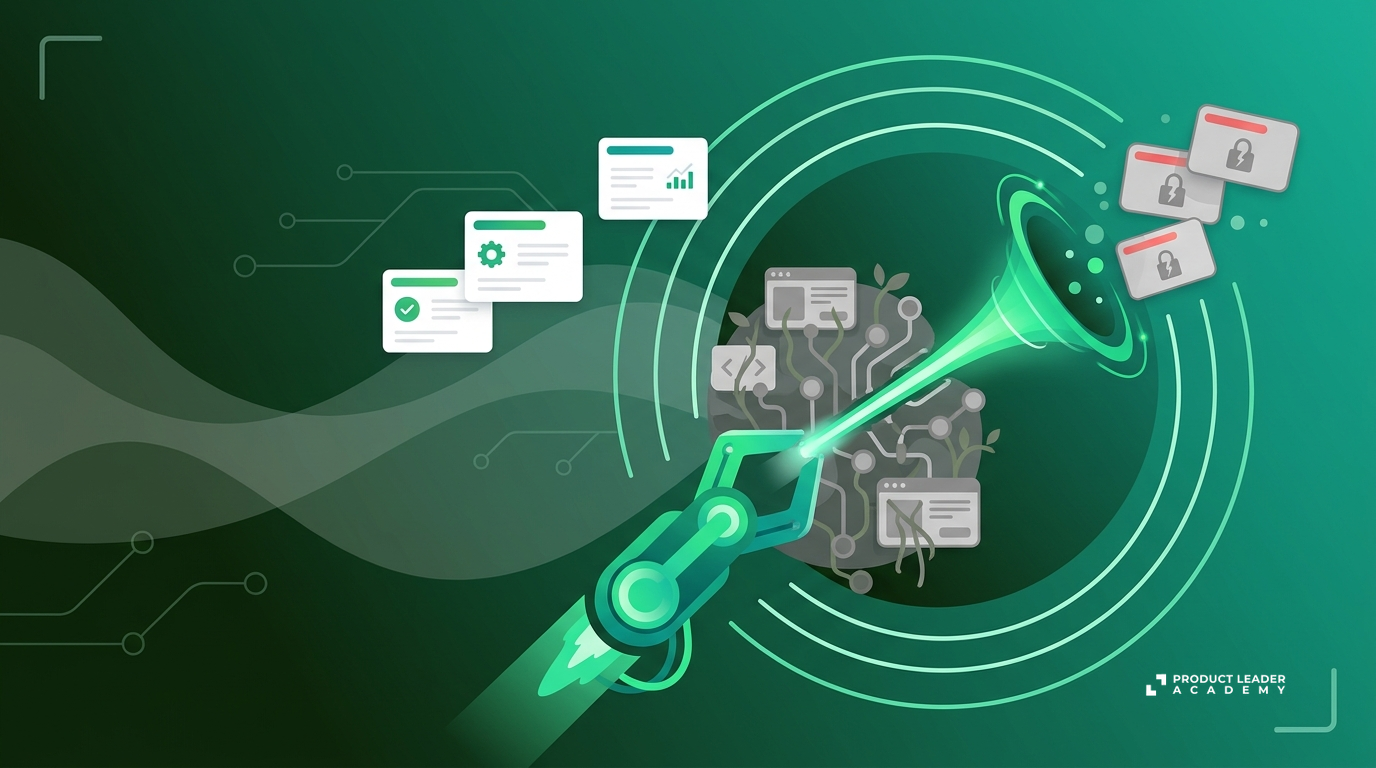
You inherited a product with 14 navigation tabs. Your engineering velocity is crawling. Every simple UI update breaks three legacy workflows, and your QA team spends 40% of every regression cycle testing features that haven't been updated since the Obama administration.
You are carrying zombie bets.
A zombie bet is a feature or product initiative that is technically alive but functionally dead. It is not generating meaningful revenue, it does not solve a core job-to-be-done (JTBD) for your target user, and it is not growing. Yet, it remains in your codebase, consuming engineering maintenance, generating support tickets, and cluttering your user experience.
Product leaders often talk about what to build. We rarely talk about what to kill. But product strategy is as much about deciding what not to do as it is about deciding what to do. If you do not actively prune your product, your roadmap will eventually grind to a halt under the weight of your legacy code.
Here is the exact framework to audit, identify, and systematically deprecate your zombie bets.
The Real Cost of the Undead
Every feature you keep alive carries a carrying cost. PMs often miscalculate this cost as zero once the feature is shipped. This is a fundamental error. The true cost of a legacy feature includes:
- Engineering Maintenance: Keeping APIs compatible, refactoring old code during platform migrations, and fixing security vulnerabilities.
- QA Overhead: Writing and maintaining automated test suites, and manually testing edge cases for every single release.
- Cognitive Load: The mental energy required for new engineers to onboard and understand a bloated codebase, and for product designers to design around legacy UI patterns.
- Customer Support: Triaging bugs and writing documentation for features used by less than 1% of your user base.
- Opportunity Cost: The features you cannot build because your team is busy maintaining the past.
If your engineering team spends more than 20% of their time on "keep the lights on" (KTLO) tasks, you do not have a resource problem. You have a zombie bet problem.
The Zombie Bet Audit Matrix
To identify what to kill, you must run a quantitative and qualitative audit. You cannot rely on gut feeling. You need objective criteria to justify deprecation to your team, your executive sponsors, and your customers.
Use this matrix to categorize every major feature in your product based on two metrics: Usage Frequency (how often active users engage with the feature) and Core Value Alignment (how directly the feature solves your primary customer JTBD).
| Usage Frequency (MAU %) | Core Value Alignment (JTBD) | Classification | Action Required |
|---|---|---|---|
| High (> 20%) | High | Core Asset | Protect & Optimize |
| Low (< 5%) | High | Underperforming Gem | Redesign, Educate, or Simplify |
| High (> 20%) | Low | High-Traffic Distraction | Assess for migration or paywalling |
| Low (< 5%) | Low | Zombie Bet | Deprecate (Kill) |
Let's define these metrics clearly:
- Usage Frequency: The percentage of Monthly Active Users (MAU) who interact with the feature at least once a month. For high-frequency B2B tools, you may want to look at Weekly Active Users (WAU).
- Core Value Alignment: Does this feature directly solve the core problem your product was hired to do? If you are a billing platform, a custom PDF report builder is not your core value. If you are an email marketing tool, a legacy SMS beta that only three customers use is not your core value.
If a feature falls into the bottom-right quadrant—low usage and low alignment—it is a zombie bet. It must be scheduled for deprecation.
Step 1: Quantitative Discovery
Before you announce any decisions, you must gather your data. Do not make assumptions about who is using a feature. Run a clean SQL query to pull the following data points for the suspected zombie feature over the last 90 days:
- Total Unique Users: How many unique accounts have triggered an event associated with this feature?
- Percentage of Total MAU: What proportion of your active user base does this represent?
- Revenue Association: Are any of these users high-value enterprise accounts with custom contracts that mandate this feature? (This is the most common roadblock; map this early).
- Support Volume: How many support tickets have been filed regarding this feature in the last six months?
Let’s look at a concrete example. A B2B SaaS company had a legacy "Custom Dashboard Widget" feature.
- The Data: Out of 10,000 active accounts, only 120 accounts used the custom widgets in the last 90 days (1.2% adoption).
- The Support Burden: This 1.2% generated 15% of all frontend-related support tickets because the widgets frequently broke when users updated their browser versions.
- The Verdict: A clear zombie bet.
Step 2: Qualitative Validation (The Core JTBD Check)
Data tells you what is happening, but not why. Before you pull the trigger, you must understand why adoption is low. Is the feature low-value, or is it simply broken or undiscovered?
To answer this, interview 5 to 10 of the active users of the legacy feature. Ask them:
- "What job are you trying to get done when you use this feature?"
- "If this feature disappeared tomorrow, how would you solve that problem?"
- "What workarounds would you use?"
If users tell you, "I only use this because your main export tool doesn't support CSV formats, so I use this widget to copy-paste data," you don't have a useless feature; you have a gap in your core asset. You should fix the CSV export tool, then kill the legacy widget.
If, however, the users tell you, "I don't really know, we set it up years ago and just leave it running," or if they struggle to explain the value, the feature is truly dead. Proceed to deprecation.
Step 3: The Deprecation Playbook
Deprecation is not a technical event; it is a change management process. The reason most PMs avoid killing features is fear of customer backlash. You can eliminate this friction by following a structured, transparent sunset playbook.
- Phase 1: Soft Sunset
- Hide entry points for new users. Stop fixing minor bugs.
- Phase 2: Direct Communication
- Email active users. Provide timelines and alternative paths.
- Phase 3: Hard Sunset
- Remove code. Clean up database schemas and documentation.
Phase 1: Soft Sunset (T-Minus 60 Days)
- Hide Entry Points: Remove the feature from your onboarding flow, navigation menus, and marketing pages. Prevent new users from discovering or adopting it. Existing users can still access it via direct links or legacy dashboards.
- Freeze Development: Stop resolving non-critical bugs. If the feature breaks completely, fix it, but do not ship enhancements.
- Notify Internal Teams: Brief your Customer Success (CS), Sales, and Support teams. Explain why you are deprecating the feature, the timeline, and the alternative solutions. Give CS the talking points they need to handle objections.
Phase 2: Direct Communication (T-Minus 30 Days)
Do not send a generic newsletter. Send a targeted, personalized email only to the users who have touched the feature in the last 90 days. Keep it direct, transparent, and helpful.
Use this template:
Subject: Deprecation of [Feature Name] on [Date]
Hello [Name],
We are writing to let you know that we will be retiring the [Feature Name] feature on [Date].
Our goal is to focus our engineering and design efforts on making our core platform faster and more reliable. To do that, we must occasionally retire legacy features that are used by a small percentage of our customers.
What this means for you: After [Date], you will no longer be able to access [Feature Name]. Your data in [Feature Name] will be [deleted / exported to your account settings / migrated].
How to transition: We recommend using [Alternative Feature / Partner Integration] to handle this workflow going forward. Here is a step-by-step guide on how to set that up: [Link to Help Center Article].
If you have any questions or need help transitioning, please reply directly to this email.
Thank you, [Your Name] & The Product Team
Phase 3: Hard Sunset (T-Day)
- Turn off the Feature: Disable the feature flag or pull the code.
- Redirect Legacy URLs: Ensure any bookmarked URLs redirect to your new alternative solution or a clean 404/explanatory page.
- Code Cleanup: Do not leave the code commented out. Delete it. Clean up your database schemas, API endpoints, and automated test files. If you do not delete the code, you have not actually killed the zombie.
Handling the Sales and CS Backlash
When you announce a deprecation, your Sales team will tell you that a prospect in their pipeline needs this feature to close a $50k deal. Your CS team will tell you that their biggest account will churn if you remove it.
Do not fold immediately. Address these objections with data and trade-offs:
- Expose the Maintenance Tax: Show the engineering lead time spent fixing bugs on this legacy feature over the past year. Ask: "Are we willing to delay our high-priority Q3 roadmap by three weeks just to keep this legacy widget alive for one customer?"
- Offer Workarounds, Not Exceptions: If an enterprise customer truly needs the functionality, help them build a workaround using your public APIs or a third-party tool. Do not make exceptions that keep legacy code in your main repository.
- Charge for It (The ultimate test): If a customer insists they cannot live without it, offer to move them to a custom, isolated legacy tier that costs an additional $10,000 per year to cover maintenance costs. If they refuse to pay, the feature is not actually valuable to them.
Your Monday Morning Action Plan
Do not wait for your product to become an unmaintainable monolith. Start cleaning up your roadmap on Monday morning with these three steps:
- Query your database: Pull the 90-day active usage data for your bottom five least-used features.
- Run the numbers: Calculate the estimated engineering and QA hours spent maintaining those five features over the last six months.
- Draft one deprecation proposal: Pick the most obvious zombie bet, write a 1-page deprecation proposal using the metrics outlined above, and present it to your engineering lead and CS lead to align on a timeline.
Tags
Related Articles
The Product Scope Audit: How to Clean Up Feature Bloat and Scale Strategically
Learn how to conduct a Product Scope Audit to eliminate feature bloat, free up engineering resources, improve UX, and scale your product strategically.
Ditch the Feature Factory: The Guide to Outcome-Based Roadmaps
Stop shipping features nobody uses. Learn how to transition your product team from an output-driven feature factory to a high-impact, outcome-based roadmap.
The Orchestrator PM: Leading Product in the Age of Agentic AI
Discover how agentic AI is redefining product management. Shift from administrative ticket writing to orchestrating autonomous agents for strategic leverage.